Instagram and TikTok
Comments, story mentions and DMs, read from screenshots.
An Instagram comment, a story mention, a TikTok comment or a DM. Upload the screenshot and AI extracts the username, text and sentiment, then adds it to your inbox.
On Pro and above · Included in the trial
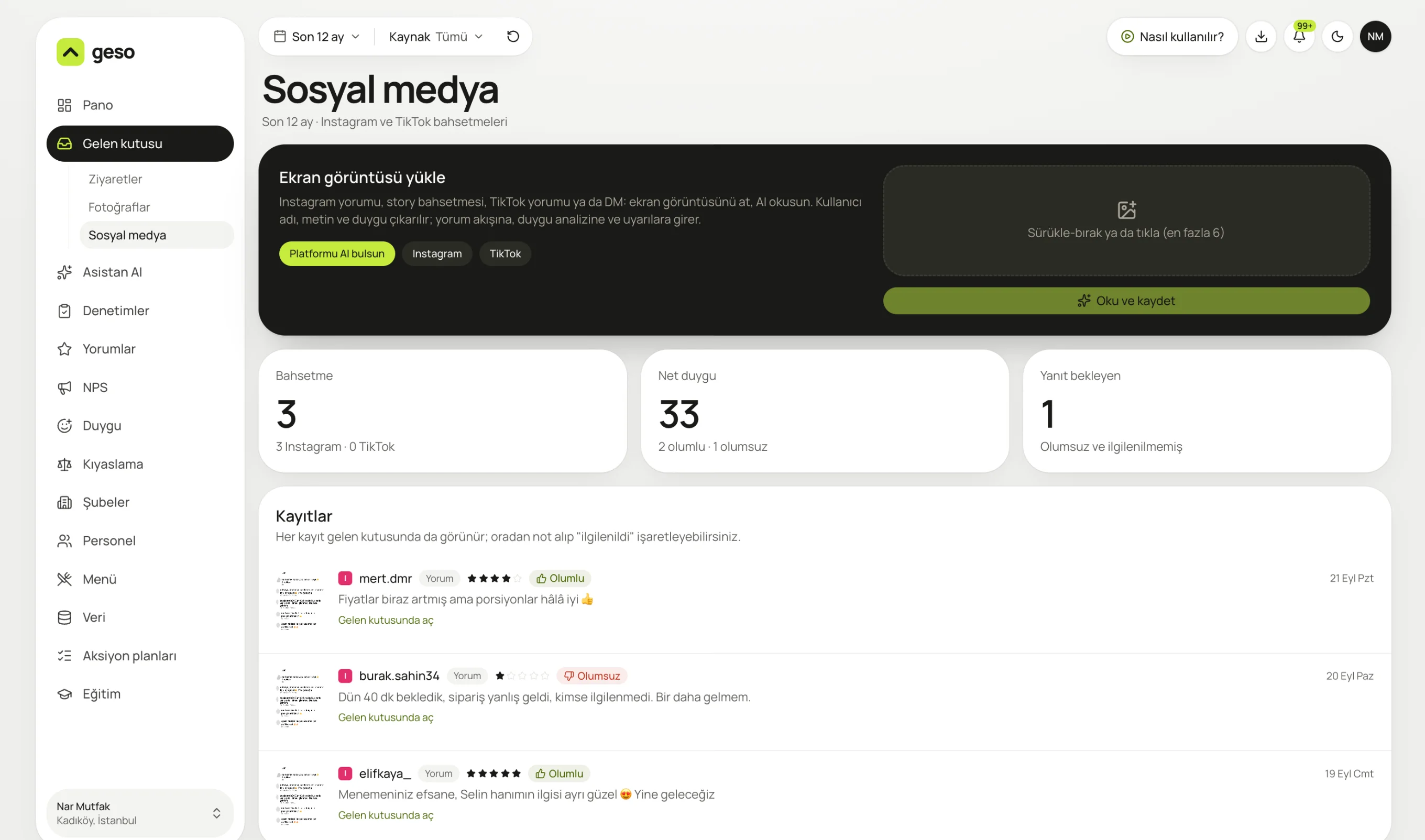
Real panel screen. The sample business “Nar Mutfak” and its data are for demo purposes.

An Instagram comment, story, TikTok comment or DM. AI reads it and even works out the platform.
Track what people say about you on Instagram and TikTok in the same place as your Google reviews. Social complaints feed into analysis and alerts too.
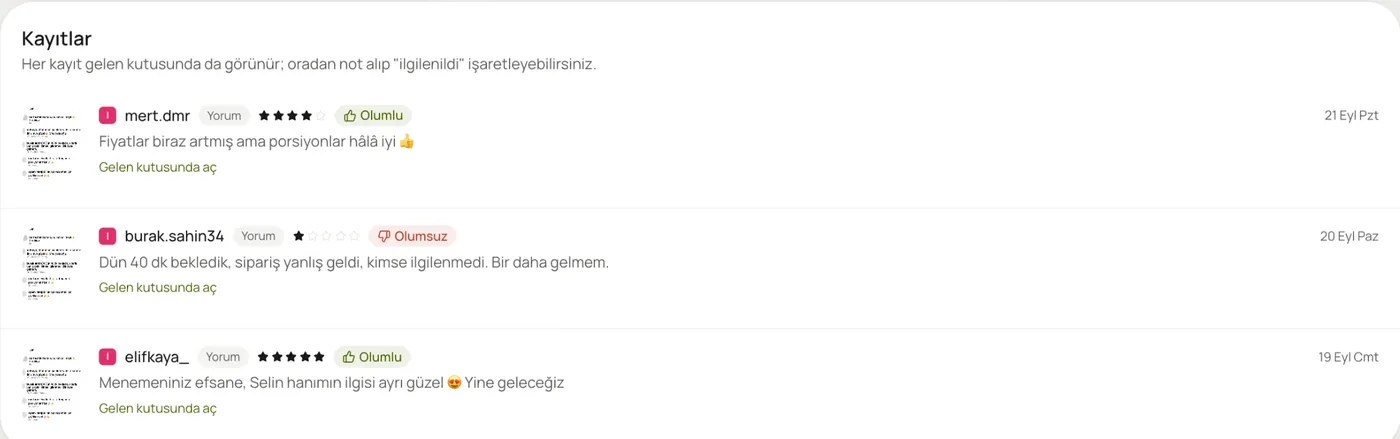
Every entry is marked positive or negative and opens in the inbox.
Comments, story mentions and DMs, read from screenshots.
Up to 6 images at once.
Every entry shows up in the inbox. Add a note or mark it as handled.
Social comments feed the topic and sentiment screens.
Negative mentions nobody has handled show up in the “Awaiting reply” count.
No screenshot? Just paste the text.
No. A screenshot or the text is enough; no account connection needed.
On Instagram and TikTok, replies are posted on the platform itself. geso keeps the record and lets you mark it as handled.
Pro and Enterprise. It's switched on during the 30-day trial.
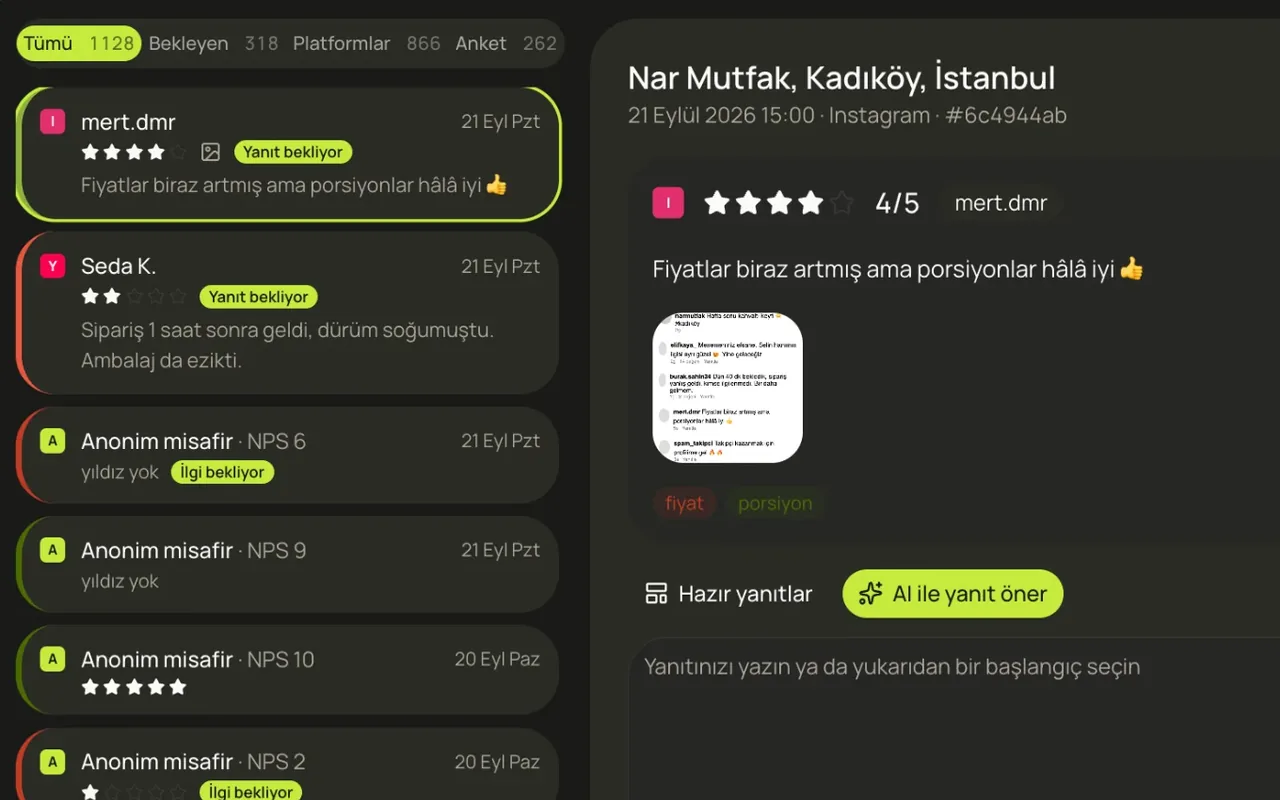
Reviews from Google, QR surveys, Yemeksepeti, Getir, Trendyol, Instagram and TikTok in one list.
Learn more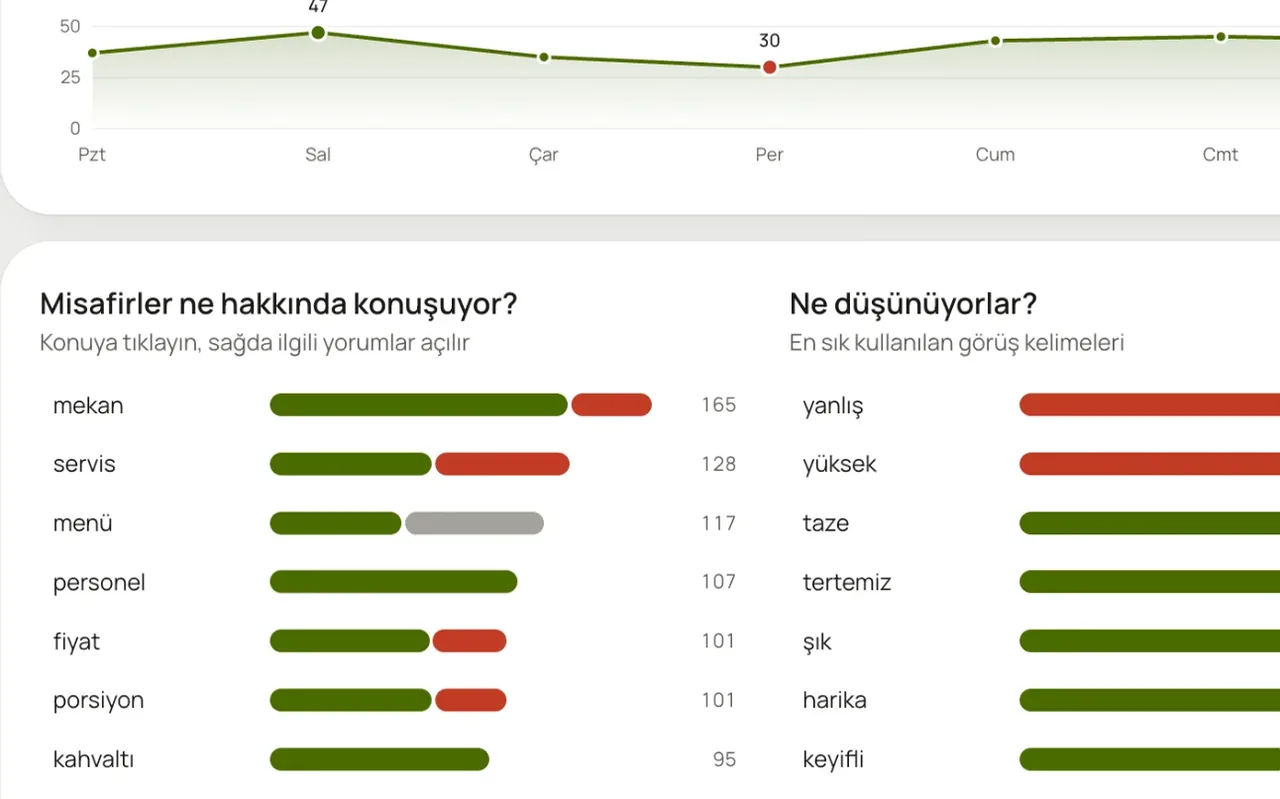
What are guests talking about, and is it good or bad? Topic by topic, day by day.
Learn more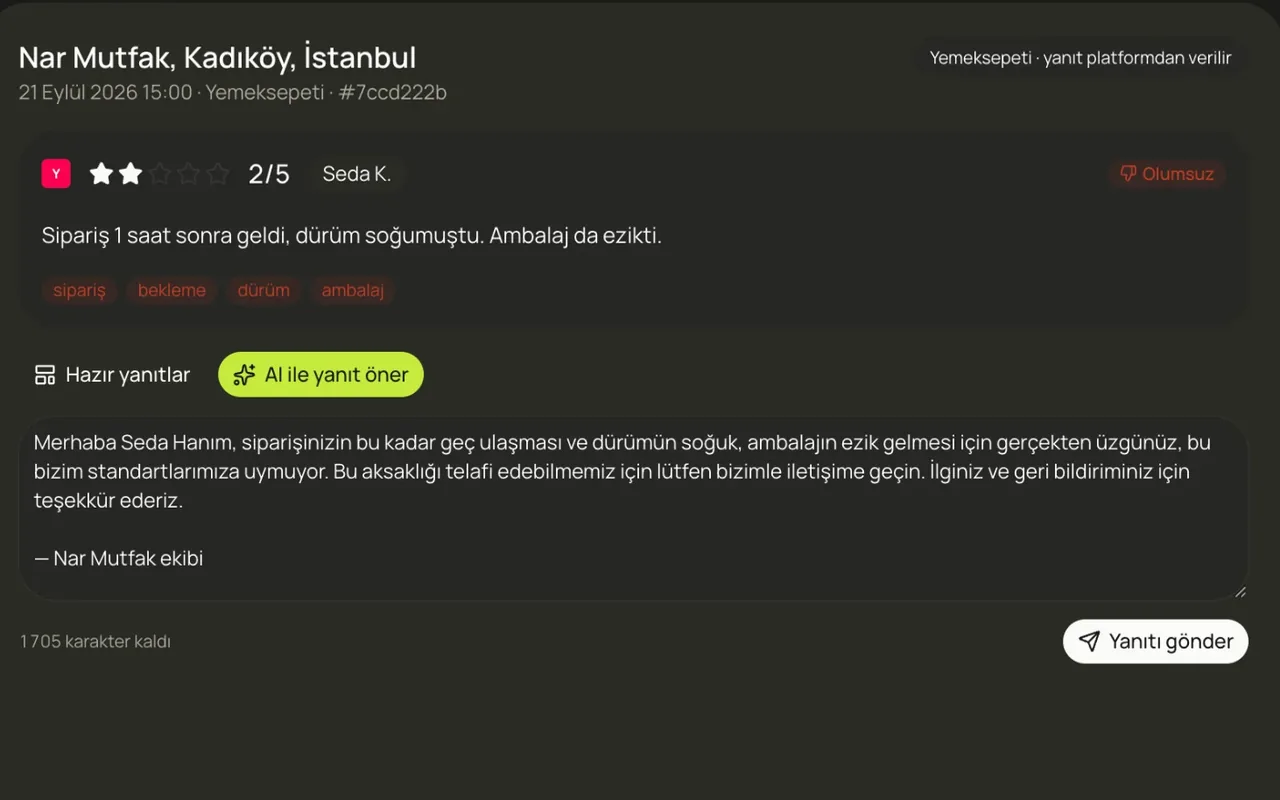
A draft reply to every review, in your voice. Edit it and send.
Learn moreIn a 20-minute demo, we load your Google reviews and look at what the assistant says, together.
No card required · 10-minute setup · Cancel anytime