Tone of voice
Pick a preset tone and add your own sample replies. Suggestions are written in that voice.
Hit “Suggest reply with AI” and you get a draft that has actually read the review and greets the guest by name. Edit it and send. If you want, turn on auto-replies for specific reviews.
On every plan · Included in the trial
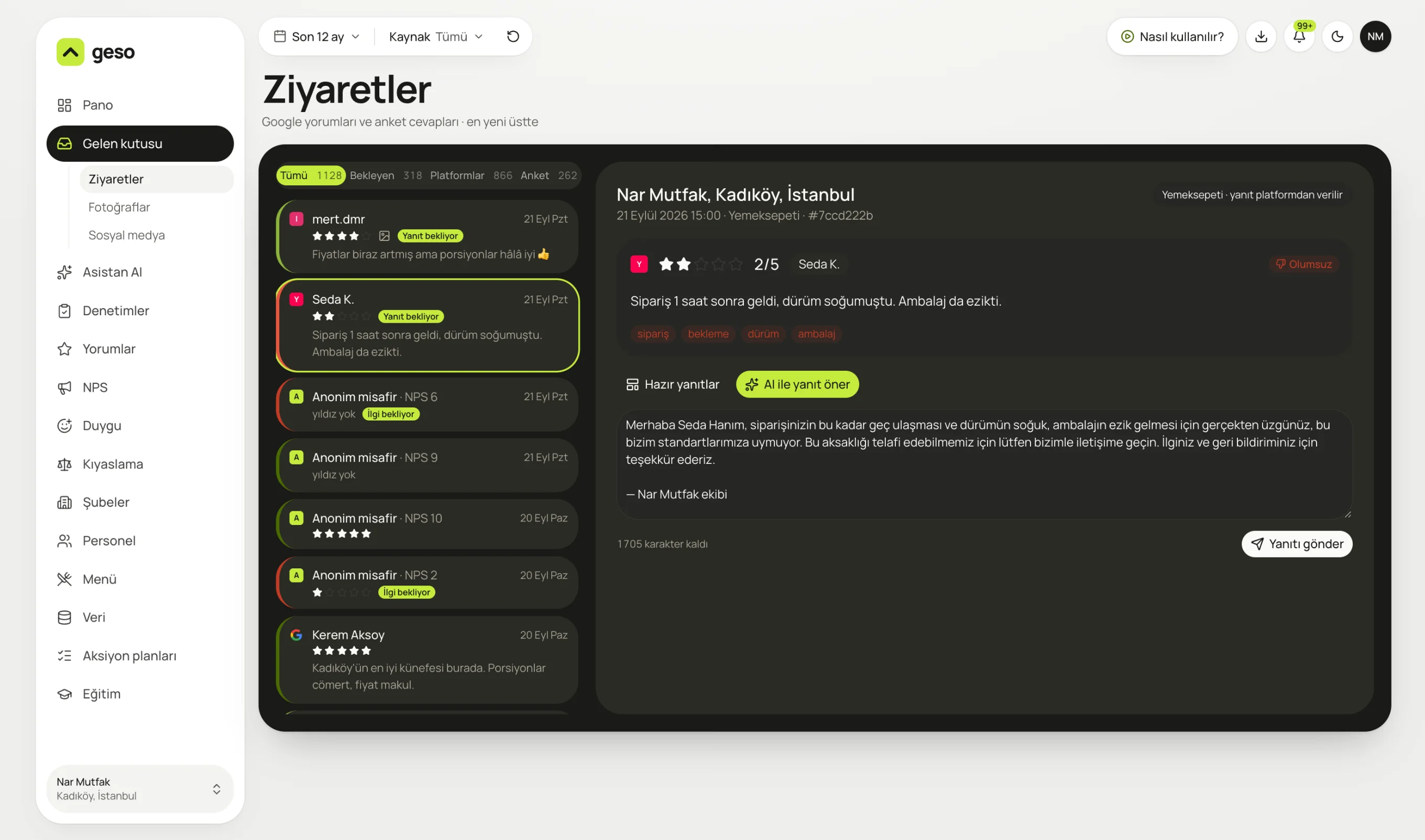
Real panel screen. The sample business “Nar Mutfak” and its data are for demo purposes.
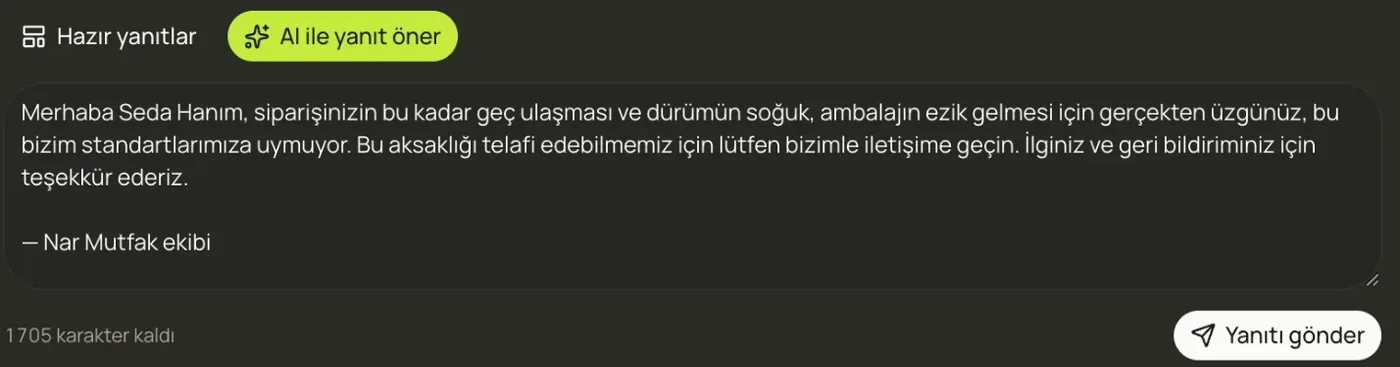
It greets Seda by name, mentions the late order and the crushed packaging, and asks her to get in touch so you can make it right.
Reply to every review quickly, properly and personally. No more staring at a blank page.
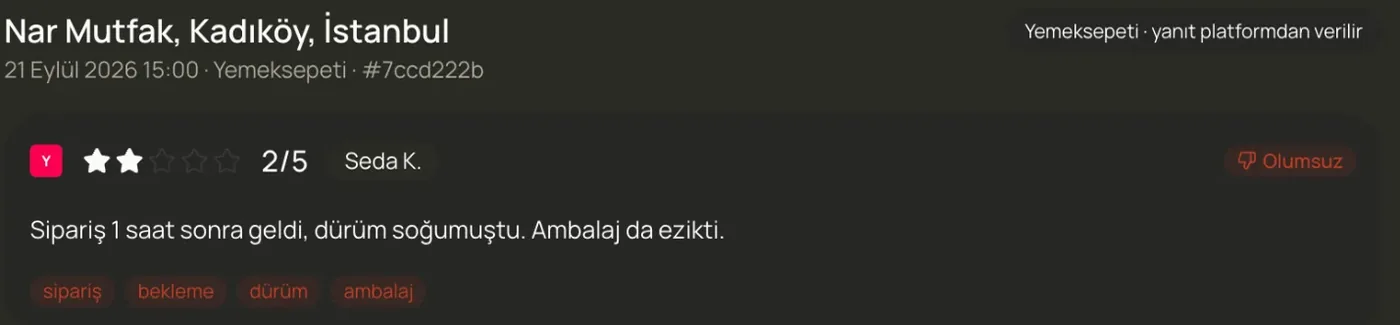
The moment a review arrives, its rating, sentiment and topics are extracted. These tags feed the analysis screens.
Pick a preset tone and add your own sample replies. Suggestions are written in that voice.
The guest's name, the dish they mentioned and their complaint are worked into the reply.
Save the answers you use often and insert them in one click.
For example, only 5-star reviews with no negative topics. Off by default.
Get an email when a low-rated review comes in.
Every reply is logged: who sent it, and when.
No. Until you turn it on, every reply waits as a draft and only goes out with your approval.
Your business profile's name, exactly like a regular owner reply on Google.
The draft is written in the same language as the review.
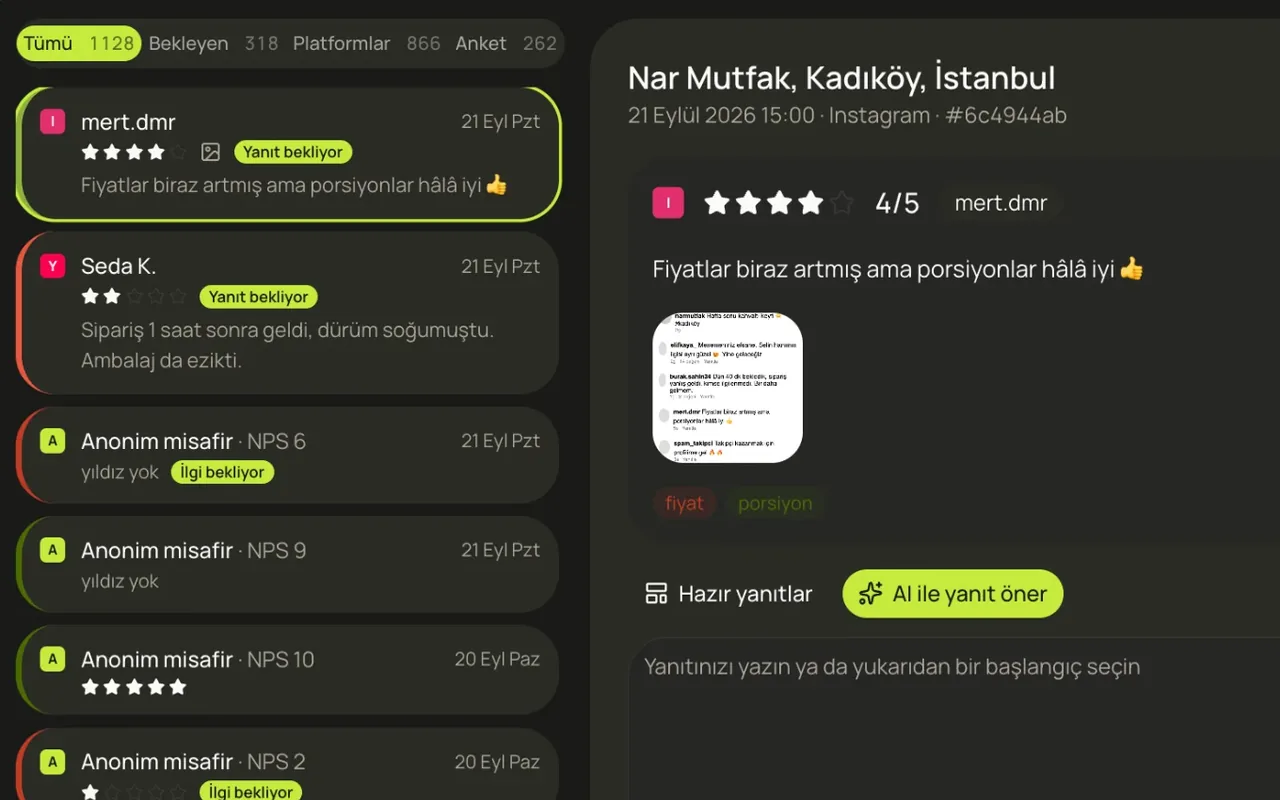
Reviews from Google, QR surveys, Yemeksepeti, Getir, Trendyol, Instagram and TikTok in one list.
Learn more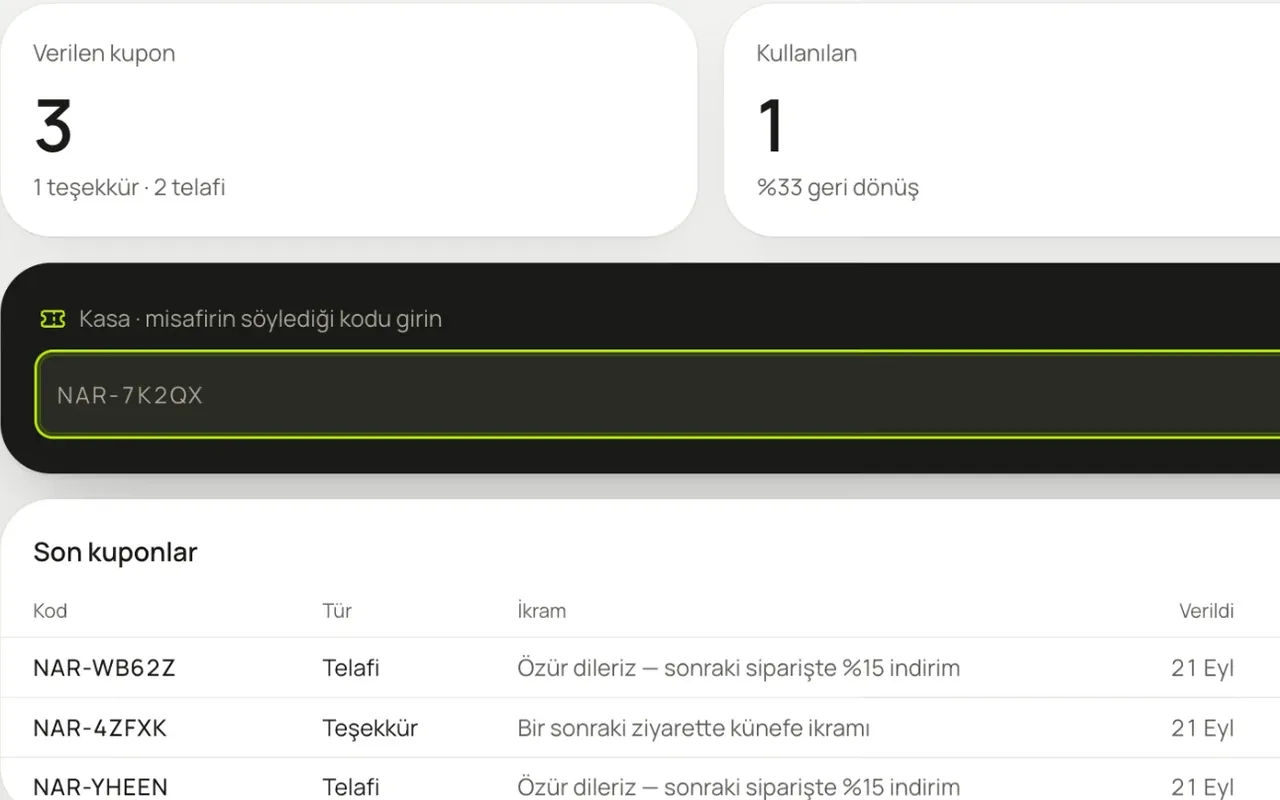
A one-minute survey from the QR code on the table. A recovery coupon for unhappy guests, with code lookup at the till.
Learn more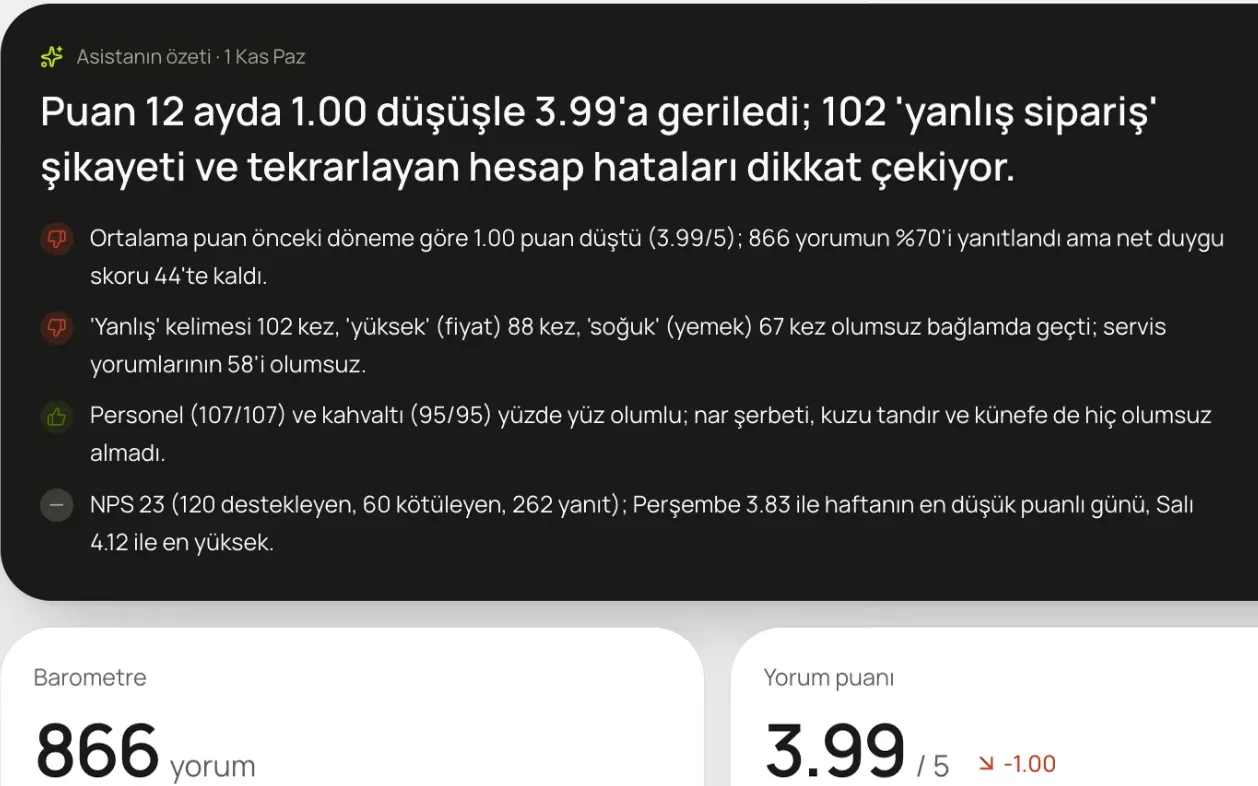
A summary on your dashboard every morning, plus the one thing to do this week. Ask it anything and it answers from your data.
Learn moreIn a 20-minute demo, we load your Google reviews and look at what the assistant says, together.
No card required · 10-minute setup · Cancel anytime